
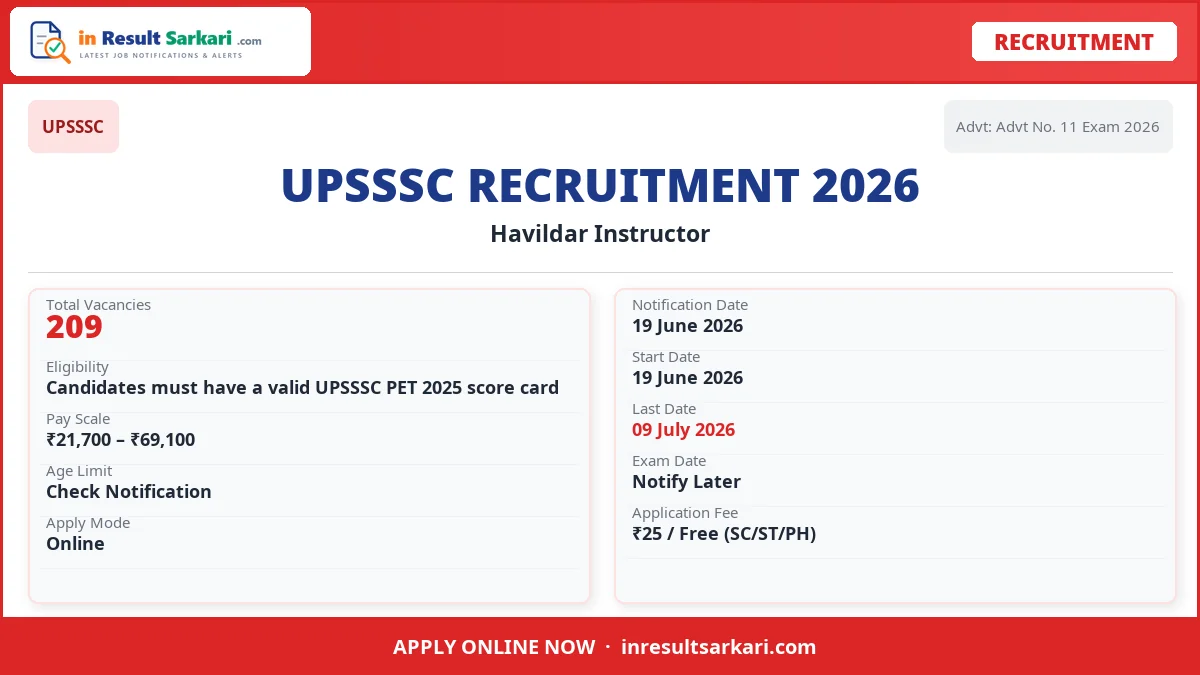
UPSSSC Havildar Instructor Exam City Details 2026: Uttar Pradesh Subordinate Services Selection Commission (UPSSSC) has released the admit card and examination city details for the upcoming test. Registered candidates can download their hall tickets from the official portal starting Before Exam. Please keep your application number and date of birth ready to access the download link.
Short Information
| Field | Details |
|---|---|
| Organization | Uttar Pradesh Subordinate Services Selection Commission (UPSSSC) |
| Post Name | No. Of Post |
| Total Posts | 209 |
| Apply Mode | Online |
| Job Location | All India |
Important Dates
| Event | Date |
|---|---|
| Application Start Date | 19 June 2026 |
| Last Date to Apply | 09 July 2026 |
| Exam Date | Click Here |
| Admit Card Available | Before Exam |
| Result Date | Will Be Updated Here Soon |
Application Fee
| Category | Fee Amount |
|---|---|
| SC / ST / PH | ₹ 25/- |
| Payment Mode | Online (Net Banking / UPI / Card) |
Age Limit
| Criteria | Age |
|---|---|
| Minimum Age | 18 Years |
| Maximum Age | 40 Years. |
| Age Relaxation | As per government rules for reserved categories |
Eligibility Criteria
- Havildar Instructor:
- Candidates must have a valid UPSSSC PET 2025 score card and must have passed Class 12th (Intermediate) from a recognized board or institution. However, for unpaid departmental employees, the minimum qualification is High School (Class 10).
Vacancy Details
| Post Name | No. Of Post | Eligibility Criteria |
|---|---|---|
| Havildar Instructor | 209 |
|
After downloading your hall ticket, carefully check all printed details, including your name, photograph, signature, date of birth, exam date, reporting time, and test center location. In case of any discrepancies or spelling errors, contact the exam cell helpdesk immediately to obtain a corrected copy.
On the exam day, candidates must bring a printed hard copy of the admit card along with a valid government-issued photo ID (such as Aadhaar Card, PAN Card, Voter ID, or Driving License) to the test center. Entry will not be permitted without these mandatory documents. Candidates should reach the venue at least 30 minutes before the reporting time.
How to Download UPSSSC Admit Card 2026
- Visit the Official Website: Open your browser and navigate to the official portal of Uttar Pradesh Subordinate Services Selection Commission (UPSSSC).
- Click on Admit Card Link: Find and click the Admit Card or Hall Ticket download link on the homepage.
- Enter Your Login Credentials: Enter your Application Number/Registration Number and Date of Birth.
- Submit and View Admit Card: Click Submit to view your admit card with exam center details.
- Download the PDF: Download the admit card PDF to your device.
- Print 2-3 Copies: Take 2-3 printed copies and verify all details including name, photo, exam date, and center address.
Important Links
| Description | Link |
|---|---|
| Apply Online | Click Here |
| Official Notification | Click Here |
| Official Website | Click Here |
| Check Result | Click Here |
| Exam City / Centre Slip | Click Here |
Frequently Asked Questions (FAQ)
Question: How to download UPSSSC admit card?
Answer: Visit the official website of Uttar Pradesh Subordinate Services Selection Commission (UPSSSC). Click on the Admit Card download link, enter your Registration Number and Date of Birth, and download the PDF.
Question: When is the UPSSSC exam date?
Answer: The examination is scheduled for Click Here.
Question: What documents should I carry to the exam?
Answer: Carry a printed copy of the admit card along with a valid government-issued photo ID such as Aadhaar Card, PAN Card, Voter ID, Driving License, or Passport.
Question: What if there is an error on the admit card?
Answer: Contact the helpdesk of Uttar Pradesh Subordinate Services Selection Commission (UPSSSC) immediately through the official website to request correction before the exam date.
