
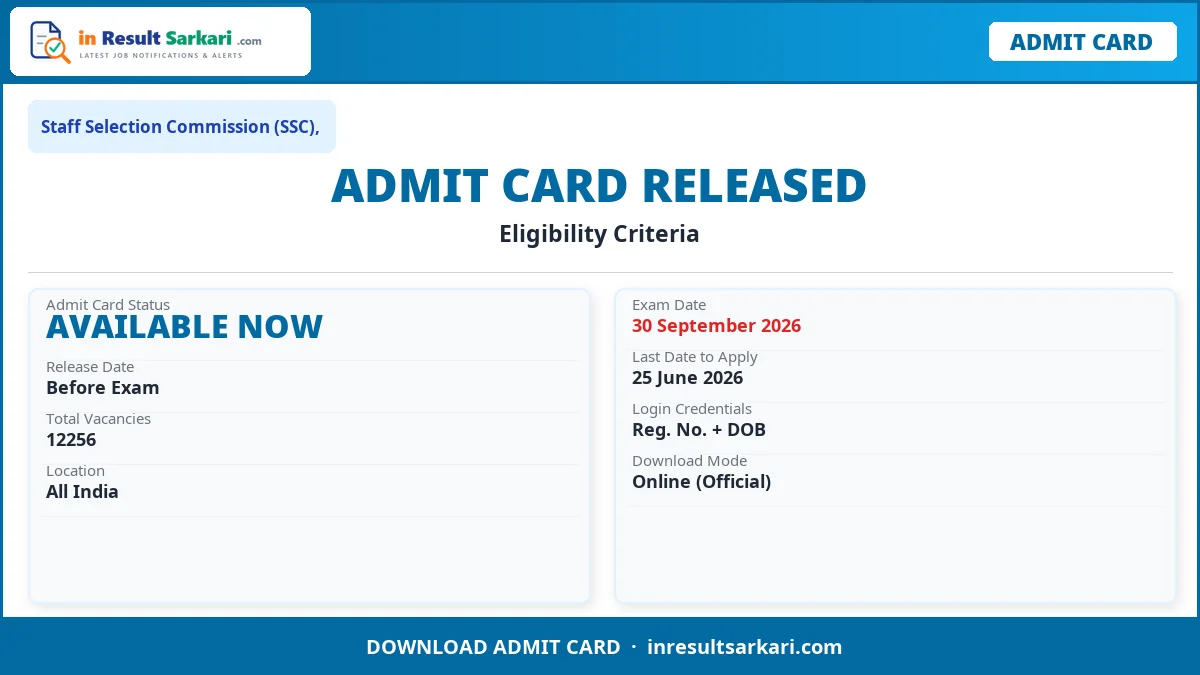
SSC CGL Tier-I Answer Key 2026 – Out: Staff Selection Commission (SSC), has uploaded the official answer key on its portal. Candidates who took the written exam can download the key to verify their answers and submit objections if they find any discrepancies.
Short Information
| Field | Details |
|---|---|
| Organization | Staff Selection Commission (SSC), |
| Post Name | Eligibility Criteria |
| Total Posts | 12256 |
| Apply Mode | Online |
| Job Location | All India |
Important Dates
| Event | Date |
|---|---|
| Application Start Date | 21 May 2026 |
| Last Date to Apply | 25 June 2026 |
| Fee Payment Last Date | 26 June 2026 |
| Correction Window | 01 – 03 July 2026 |
| Exam Date | 30 September 2026 |
| Admit Card Available | 27 September 2026 |
| Result Date | Will Be Update Here Soon |
Application Fee
| Category | Fee Amount |
|---|---|
| General / OBC / EWS | ₹ 100/- |
| Payment Mode | Online (Net Banking / UPI / Card) |
Age Limit
| Criteria | Age |
|---|---|
| Minimum Age | 18 Years |
| Maximum Age | 32 Years |
| Age Relaxation | As per government rules for reserved categories |
Eligibility Criteria
- All other Posts:
- Candidates must have completed their Graduation in any stream from a recognized university will be eligible for the CGL Examination, 2026.
- Junior Statistical Officer:
- Candidates must have a Bachelor’s degree in any stream with at least 60% marks in Mathematics at the 12th standard level, or they should have a Bachelor’s degree with Statistics as one of the subjects.
- Read Official Notification Before Applying.
Vacancy Details
| SSC CGL Group Wise Post Details | |
|---|---|
| Group | Post Name |
| Group-B | Assistant Audit Officer (Central Cadre) |
| Group-B | Assistant Audit Officer (State Cadre) |
| Group-B | Assistant Accounts Officer (State Cadre) |
| Group-B | Assistant Section Officer |
| Group-B | Assistant Section Officer |
| Group-B | Assistant Section Officer |
| Group-B | Assistant Section Officer |
| Group-B | Assistant Section Officer |
| Group-B | Assistant Section Officer |
| Group-B | Assistant / Assistant Section Officer |
| Group-B | Inspector of Income Tax |
| Group-B | Inspector, (Central Excise) |
| Group-B | Inspector (Preventive Officer) |
| Group-B | Inspector (Examiner) |
| Group-B | Assistant Enforcement Officer |
| Group-B | Sub Inspector |
| Group-B | Inspector Posts |
| Group-B | Inspector |
| Group-B | Assistant / Assistant Section Officer |
| Group-B | Executive Assistant |
| Group-B | Research Assistant |
| Group-B | Divisional Accountant |
| Group-B | Sub Inspector |
| Group-B | Sub-Inspector/ Junior Intelligence Officer |
| Group-B | Junior Statistical Officer |
| Group-B | Statistical Investigator Grade-II |
| Group-B | Office Superintendent |
| Group-B | Section Head |
| Group-C | Auditor |
| Group-C | Auditor |
| Group-C | Auditor |
| Group-C | Accountant |
| Group-C | Accountant |
| Group-C | Accountant/ Junior Accountant |
| Group-C | Postal Assistant/ Sorting Assistant |
| Group-C | Senior Secretariat Assistant/ Upper Division Clerks |
| Group-C | Senior Administrative Assistant |
| Group-C | Tax Assistant |
| Group-C | Tax Assistant |
| Group-C | Sub-Inspector |
While verifying the answer key, if candidates find any answers or questions to be incorrect, they can raise objections online. Objections must be submitted within the specified timeline through the candidate login portal along with valid supporting proof and the prescribed challenge fee.
Using the official key, candidates can estimate their written test score by following the marking scheme. Be mindful of any negative marking rules. The organization will publish the final answer key and the results after evaluating all the submitted objections.
How to Download SSC Answer Key 2026
- Visit the Official Website: Open the official website of Staff Selection Commission (SSC),.
- Find the Answer Key Link: Search for the Answer Key download link on the homepage or result section.
- Select Your Exam Set and Shift: Choose the correct question paper set and exam shift/date.
- Download the Answer Key PDF: Download the answer key PDF for your specific set.
- Match Your Responses: Compare your answers with the official answer key and calculate your expected score.
- Raise Objection (If Needed): If you disagree with any answer, submit an objection online within the deadline with supporting references.
Frequently Asked Questions (FAQ)
Question: How to download SSC answer key?
Answer: Visit the official website of Staff Selection Commission (SSC),, find the Answer Key link, select your exam set/shift, and download the PDF.
Question: How to raise objection against the answer key?
Answer: Log in to the official portal of Staff Selection Commission (SSC),, find the objection submission link, select the question, provide your reasoning with supporting references, and pay the required fee per question.
Question: When will the final answer key be released?
Answer: The final answer key is usually released after the objection review window closes. Check the official website for updates.
