
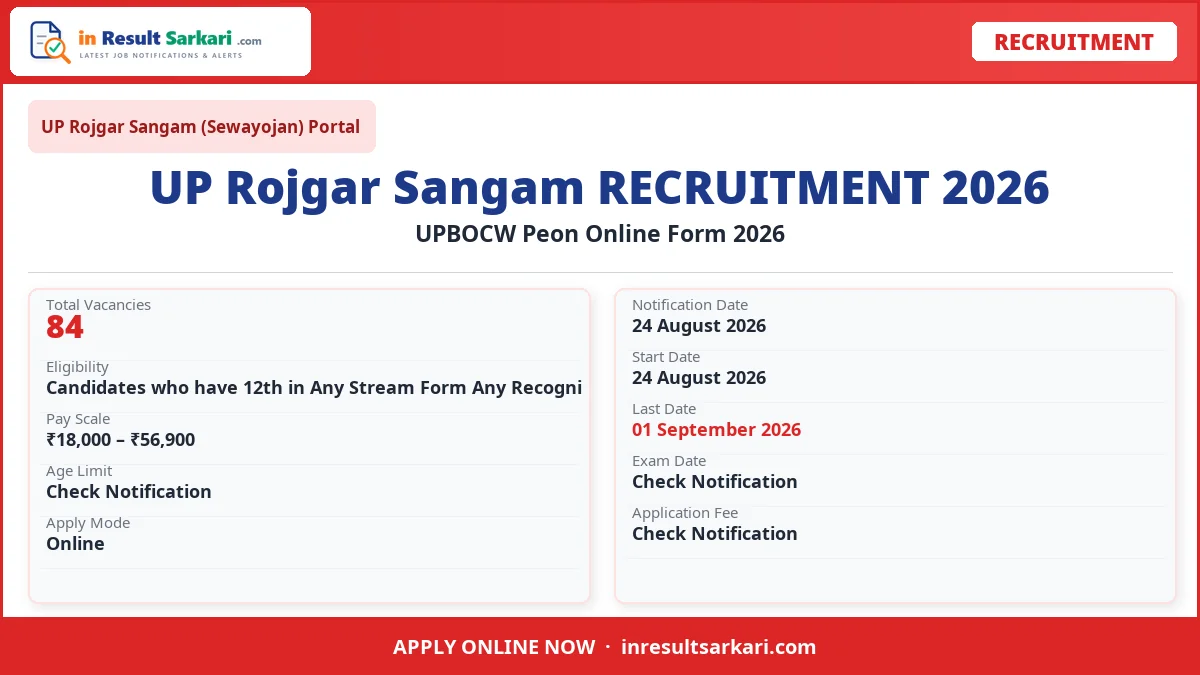
UPBOCW Peon Online Form 2026: UP Rojgar Sangam (Sewayojan) Portal has released the official recruitment notification for 84 posts. Eligible candidates can apply online from 24 August 2026 to 01 September 2026. Please review the detailed advertisement for complete eligibility criteria and application procedures before applying.
Short Information
| Field | Details |
|---|---|
| Organization | UP Rojgar Sangam (Sewayojan) Portal |
| Post Name | UPBOCW Peon |
| Total Posts | 84 |
| Apply Mode | Online |
| Job Location | All India |
Important Dates
| Event | Date |
|---|---|
| Application Start Date | 24 August 2026 |
| Last Date to Apply | 01 September 2026 |
Age Limit
| Criteria | Age |
|---|---|
| Minimum Age | 18 years |
| Maximum Age | 40 years |
| Age Relaxation | As per government rules for reserved categories |
Eligibility Criteria
- Candidates who have 12th in Any Stream Form Any Recognized University in India will be eligible for this post.
- All candidates must read the official information completely before applying.
Vacancy Details
| District Name | No. Of Post |
|---|---|
| UPBOCW Peon | 15 Posts |
Candidates must carefully check the detailed eligibility criteria, age limits, and educational qualification requirements before filling out the online application. Candidates must possess Candidates who have 12th in Any Stream Form Any Recognized University in India will be eligible for this post. All candi from a recognized board or university to be eligible. Age relaxation is applicable to candidates belonging to reserved categories (SC, ST, OBC, PwD, Ex-Servicemen) as per prevailing government guidelines.
The application process is fully online. Candidates need to register on the official portal, fill in their personal and educational details, upload scanned copies of required documents (such as photograph, signature, and certificates), and pay the application fee via online modes like net banking, UPI, or cards.
The final selection process typically consists of a written examination followed by a skill test, interview, or document verification phase depending on the guidelines. Only candidates who score above the cut-off marks in the primary stage will be considered for the subsequent recruitment steps.
How to Apply Online for UPBOCW Peon Online 2026
- Visit the Official Website: Open your browser and navigate to the official website of UP Rojgar Sangam (Sewayojan) Portal.
- Click on Apply Online: Find the UPBOCW Peon Online recruitment notification and click on the ‘Apply Online’ or ‘New Registration’ link.
- Register with Email and Mobile: If you are a new user, register using your valid email ID and mobile number. Existing users can log in with their credentials.
- Fill the Application Form: Enter your personal details, educational qualification, work experience (if any), and other required information carefully.
- Upload Photo and Signature: Upload a recent passport-size photograph and scanned signature in the specified format and file size.
- Pay Application Fee: Pay the required application fee using Net Banking, Credit Card, Debit Card, or UPI.
- Submit and Print Confirmation: Review all filled details carefully, submit the form, and download or print the confirmation page for future reference.
Frequently Asked Questions (FAQ)
Question: What is the last date to apply for UPBOCW Peon Online?
Answer: The last date to apply online is 01 September 2026.
Question: How many vacancies are available in UPBOCW Peon Online?
Answer: A total of 84 posts are available in this recruitment.
Question: What is the eligibility for UPBOCW Peon Online?
Answer: Candidates who have 12th in Any Stream Form Any Recognized University in India will be eligible for this post. All candidates must read the official information completely before applying.
Question: How to apply online for UPBOCW Peon Online?
Answer: Visit the official website of UP Rojgar Sangam (Sewayojan) Portal, click on Apply Online, register with your email ID and mobile number, fill the form, upload documents, pay the fee, and submit.
