UPSC NDA II Answer Key 2026 – Out: Union Public Service Commission UPSC has uploaded the official answer key on its portal. Candidates who took the written exam can download the key to verify their answers and submit objections if they find any discrepancies.
Short Information
| Field | Details |
|---|---|
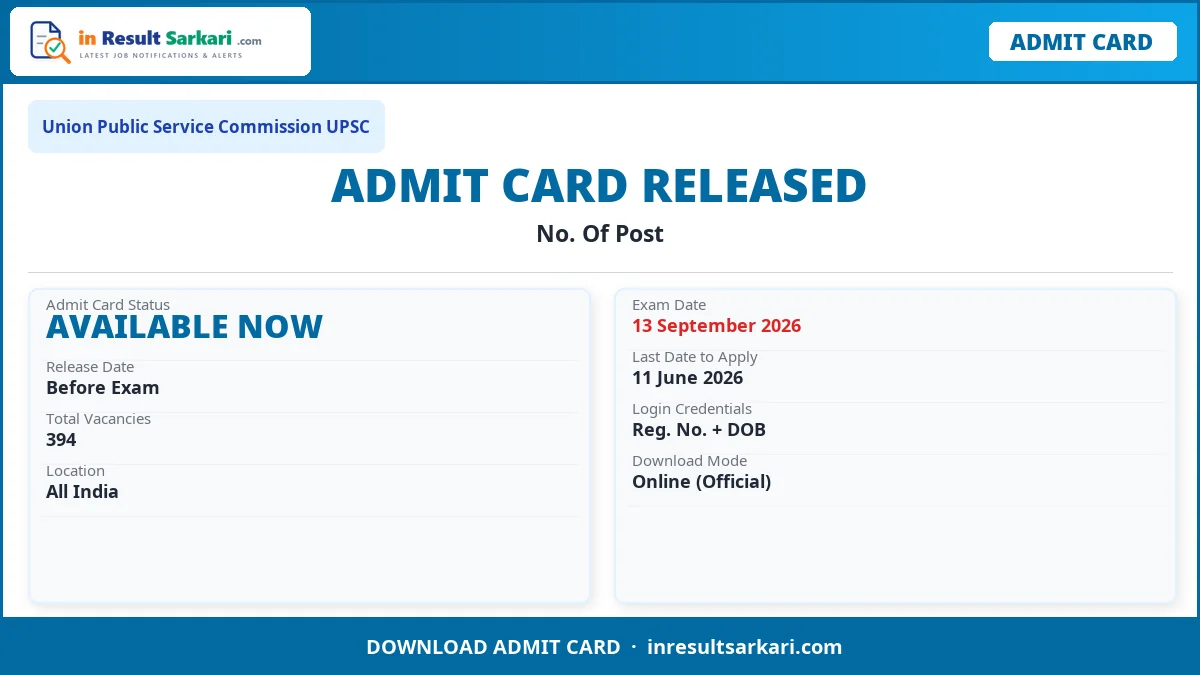
| Organization | Union Public Service Commission UPSC |
| Post Name | No. Of Post |
| Total Posts | 394 |
| Apply Mode | Online |
| Job Location | All India |
Important Dates
| Event | Date |
|---|---|
| Application Start Date | 20 May 2026 |
| Last Date to Apply | 11 June 2026 |
| Exam Date | 13 September 2026 |
| Admit Card Available | Click Here |
| Result Date | Will Be Update Here Soon |
Application Fee
| Category | Fee Amount |
|---|---|
| SC / ST / PH | ₹ 0/- |
| Payment Mode | Online (Net Banking / UPI / Card) |
Eligibility Criteria
- For Army Wing: Must have passed or be appearing in 10+2 (any stream) from a recognized board in India.
- For Air Force & Naval Wing: Must have passed or be appearing in 10+2 with Physics, Chemistry and Mathematics as subjects.
- For more details read the official notification before applying.
Vacancy Details
| Post Name | No. Of Post |
|---|---|
Army | 208 |
Navy | 42 |
Airforce | 120 |
Naval Academy | 24 |
While verifying the answer key, if candidates find any answers or questions to be incorrect, they can raise objections online. Objections must be submitted within the specified timeline through the candidate login portal along with valid supporting proof and the prescribed challenge fee.
Using the official key, candidates can estimate their written test score by following the marking scheme. Be mindful of any negative marking rules. The organization will publish the final answer key and the results after evaluating all the submitted objections.
How to Download UPSC Answer Key 2026
- Visit the Official Website: Open the official website of Union Public Service Commission UPSC.
- Find the Answer Key Link: Search for the Answer Key download link on the homepage or result section.
- Select Your Exam Set and Shift: Choose the correct question paper set and exam shift/date.
- Download the Answer Key PDF: Download the answer key PDF for your specific set.
- Match Your Responses: Compare your answers with the official answer key and calculate your expected score.
- Raise Objection (If Needed): If you disagree with any answer, submit an objection online within the deadline with supporting references.
Important Links
| Description | Link |
|---|---|
| Apply Online | Click Here |
| Official Notification | Click Here |
| Official Website | Click Here |
| Download Admit Card | Click Here |
| Download Answer Key | Click Here |
Frequently Asked Questions (FAQ)
Question: How to download UPSC answer key?
Answer: Visit the official website of Union Public Service Commission UPSC, find the Answer Key link, select your exam set/shift, and download the PDF.
Question: How to raise objection against the answer key?
Answer: Log in to the official portal of Union Public Service Commission UPSC, find the objection submission link, select the question, provide your reasoning with supporting references, and pay the required fee per question.
Question: When will the final answer key be released?
Answer: The final answer key is usually released after the objection review window closes. Check the official website for updates.